

Audio To SRT Converter with AI-Powered Precision
Using noScribe's AI transcription technology, you can convert any audio file into accurate SRT subtitles within a few minutes. Perfect for creating subtitles for videos, podcasts, and social media content.
Convert Audio To SRT
Fast, Accurate, Effortless
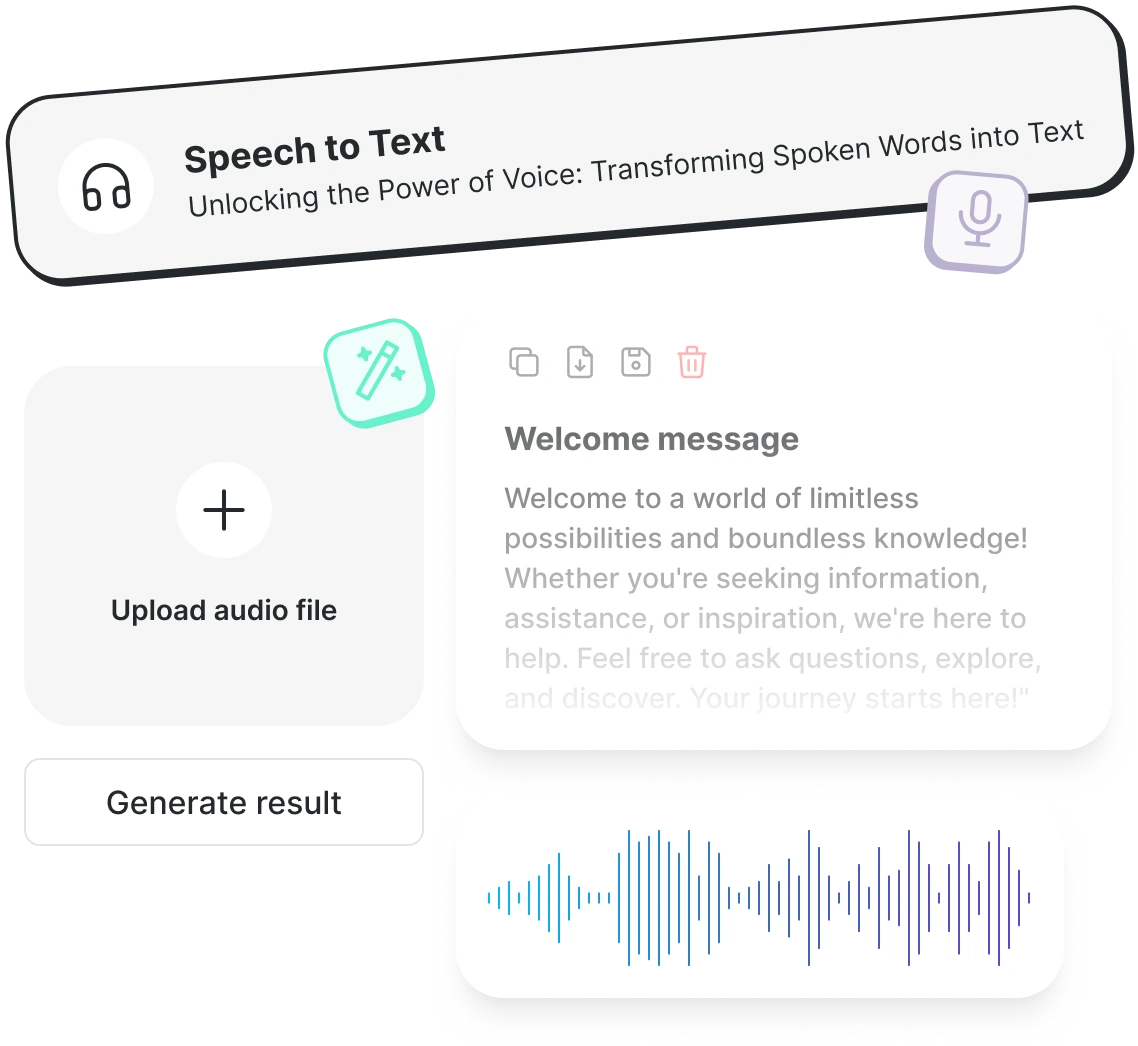
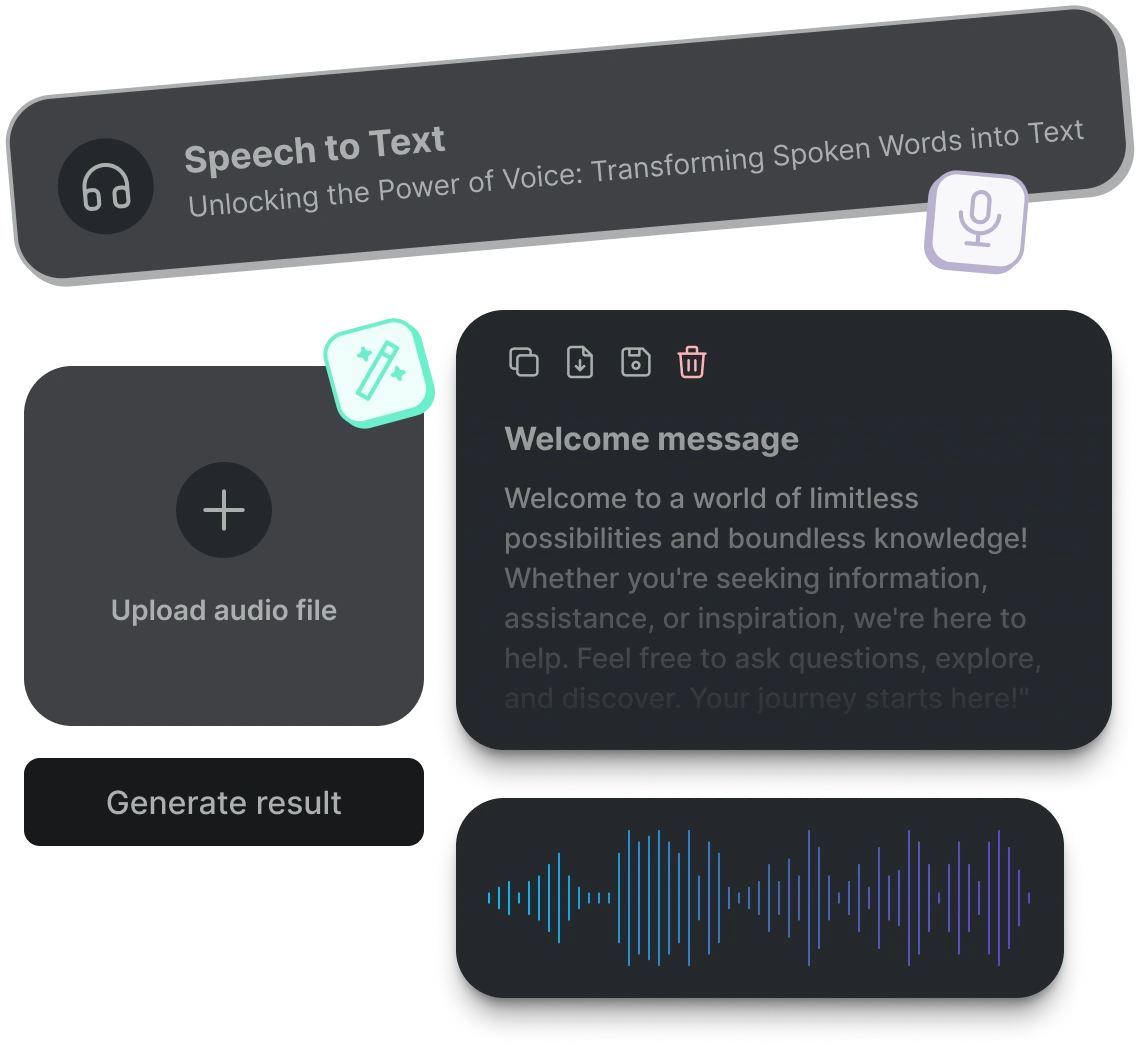
Professional Audio Transcription at Your Fingertips
Experience our Audio To Text converter that understands context, accents, and multiple speakers. We delivers industry-leading accuracy, converting your audio recordings into searchable, editable documents in minutes. Whether you're transcribing interviews, webinars, lectures, or podcasts, our platform makes it simple.
Why NoScribe stands out: 99% accuracy rate, Multi-language support, Automatic speaker detection, Fast processing, Secure & private
Transcribe Audio in 100+ Languages
NoScribe's multilingual Audio To Text engine is a perfect tool to eliminate language barriers. Our AI offers support for more than 100 languages and dialects, which makes it suitable for the use of global teams, creation of multilingual content, and catering to global audiences.
Popular languages include:
English (US, UK, Australian), Spanish (Spain, Latin America), French, German, Italian, Portuguese, and 95+ more languages


Know Who Said What
NoScribe's intelligent speaker identification automatically distinguishes between different voices when you convert audio to text. Perfect for interview recordings, panel discussions, podcasts, and virtual meetings where multiple people are speaking—our technology labels each speaker clearly.
Our AI analyzes voice patterns, tone, and speech characteristics to separate speakers. Each speaker is labeled clearly in your transcript (Speaker A, Speaker B, etc.)
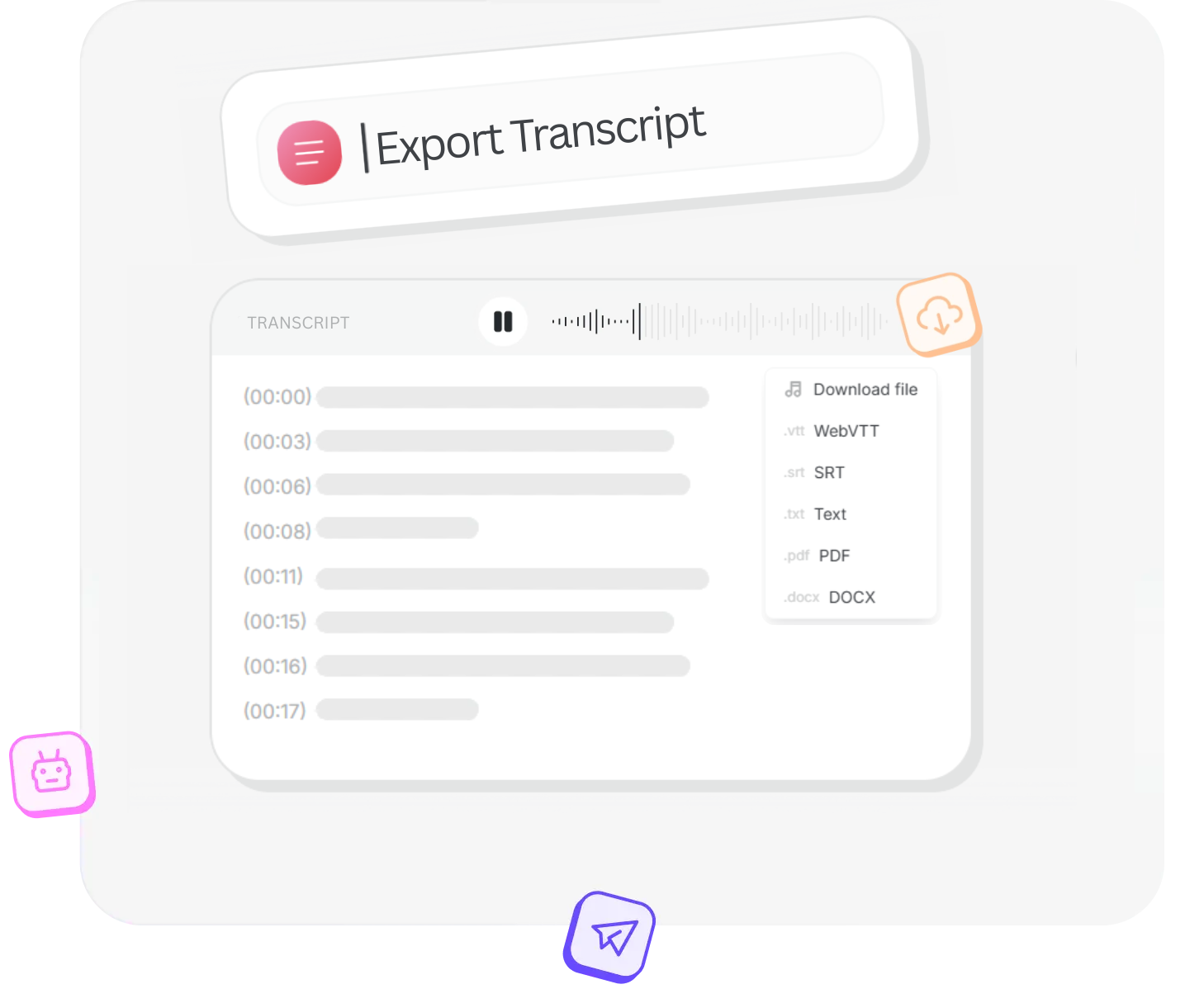
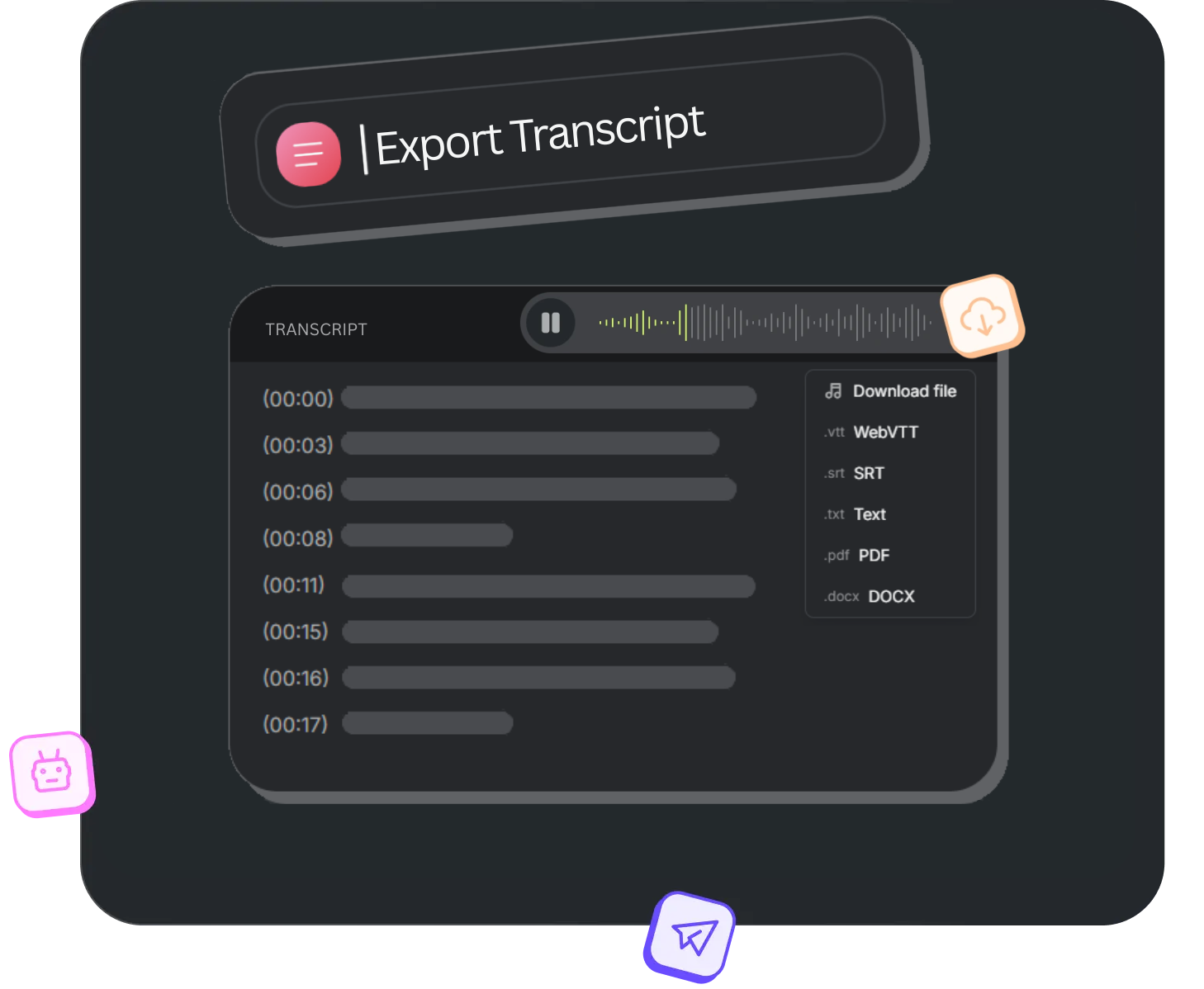
Download Your Transcripts Your Way
Get your converted text in the format that works best for your workflow. NoScribe's free audio to text converter supports multiple export options, so you can use your documents immediately—no additional conversion needed.
Choose your format, download instantly in .txt, .srt, .vtt, .docx or .pdf formats, and get back to creating. All exports include timestamps and speaker labels when applicable.
How it works
Upload Audio File
Drag and drop your audio file to convert to SRT. Supports MP3, WAV, M4A and many more formats.
Generate SRT
Our AI analyzes your audio and automatically generates time-synced SRT subtitles with speaker detection.
Download
Download your SRT file instantly. You can also export as VTT, TXT, or PDF.
Pricing
Discover the perfect plan to suit your needs and unlock a world of possibilities.
Free
Personal or trial use
- 300 credits (≈5 hrs)
- Upload Limit - 100 MB per file
- 5 GB of encrypted cloud storage
- Transcribe in 95+ Languages
- Automatic Speaker Detection
- Multiple Export Options
- Translate Transcripts
- Basic Support
Free
Personal or trial use
- 300 credits (≈5 hrs) / Monthly
- Upload Limit - 100 MB per file
- 5 GB of encrypted cloud storage
- Transcribe in 95+ Languages
- Automatic Speaker Detection
- Multiple Export Options
- Translate Transcripts
- Basic Support
Pro
Content creators & freelancers
- Everything in Free tier
- 3000 credits (≈50 hrs)
- Upload Limit - 5 GB per file
- 500 GB of encrypted cloud storage
- Multiple File Uploads
- No Watermark on Exports
- Translate Transcripts
- Priority Support
Pro Pack
- 2500 credits (≈42 hrs)
- One-time purchase
- Lifetime Validity
Business
Teams, businesses & agencies
- Everything in Pro tier
- 6000 credits (≈100 hrs)
- Upload Limit - 10 GB per file
- 1 TB of encrypted cloud storage
- Multiple File Uploads
- No Watermark on Exports
- Translate Transcripts
- Priority Support
Pro
Content creators & freelancers
- Everything in Free tier
- 3600 credits (≈60 hrs) / Monthly
- Upload Limit - 5 GB per file
- 500 GB of encrypted cloud storage
- Multiple File Uploads
- No Watermark on Exports
- Translate Transcripts
- Priority Support
Business
Teams, businesses & agencies
- Everything in Pro tier
- 7200 credits (≈120 hrs) / Monthly
- Upload Limit - 10 GB per file
- 1 TB of encrypted cloud storage
- Multiple File Uploads
- No Watermark on Exports
- Translate Transcripts
- Priority Support
Frequently Asked Questions
Everything you need to know about Audio to SRT Conversion with NoScribe.
Need More Help?
Can't find what you're looking for? Drop us a message and our support team will assist you.
You can start for free with NoScribe! New users get 300 minutes of free transcription. Simply upload your audio file and download the generated SRT file instantly.
We support all major audio formats including MP3, WAV, M4A, AAC, FLAC, OGG, and WMA. Just drag and drop your file to get started.
Yes, our AI technology ensures high-precision timestamping for your subtitles, synchronizing the text perfectly with your audio.
Absolutely! You can review and edit the transcribed text and timestamps in our online editor before exporting the final SRT file.
Yes, our system automatically detects different speakers (speaker diarization) and labels them in the transcript, which is helpful for interviews and podcasts.
Your privacy is paramount. All files are encrypted during transfer and processing, and we do not retain your audio files after the job is done.