

FLV To Text Converter with AI-Powered Precision
Using noScribe's AI transcription technology, you can convert any FLV video file into accurate, editable and searchable text within a few minutes. FLV (Flash Video) is a common legacy format for web video. Convert FLV To Text for free with 99% accuracy, support for over 100 languages, and export the transcript in different formats.
Convert FLV To Text
Fast, Accurate, Effortless


Professional FLV Transcription at Your Fingertips
Use our advanced FLV To Text converter. Don't let legacy formats slow you down. The AI engine will convert your FLV video content into editable documents in minutes with industry-leading accuracy.
Why NoScribe stands out: 99% accuracy rate, Multi-language support, Automatic speaker detection, Fast processing, Secure & private
Transcribe FLV in 100+ Languages
NoScribe's multilingual video to text engine is a perfect tool to eliminate language barriers. Our AI offers support for more than 100 languages and dialects, making it ideal for converting FLV videos from various sources.
Popular languages include:
English (US, UK, Australian), Spanish (Spain, Latin America), French, German, Italian, Portuguese, and 95+ more languages


Know Who Said What
NoScribe's intelligent speaker identification automatically distinguishes between different voices in your FLV videos. Perfect for interviews, panel discussions, podcasts, and meetings where multiple people are speaking.
Our AI analyzes voice patterns, tone, and speech characteristics to separate speakers. Each speaker is labeled clearly in your transcript (Speaker A, Speaker B, etc.)
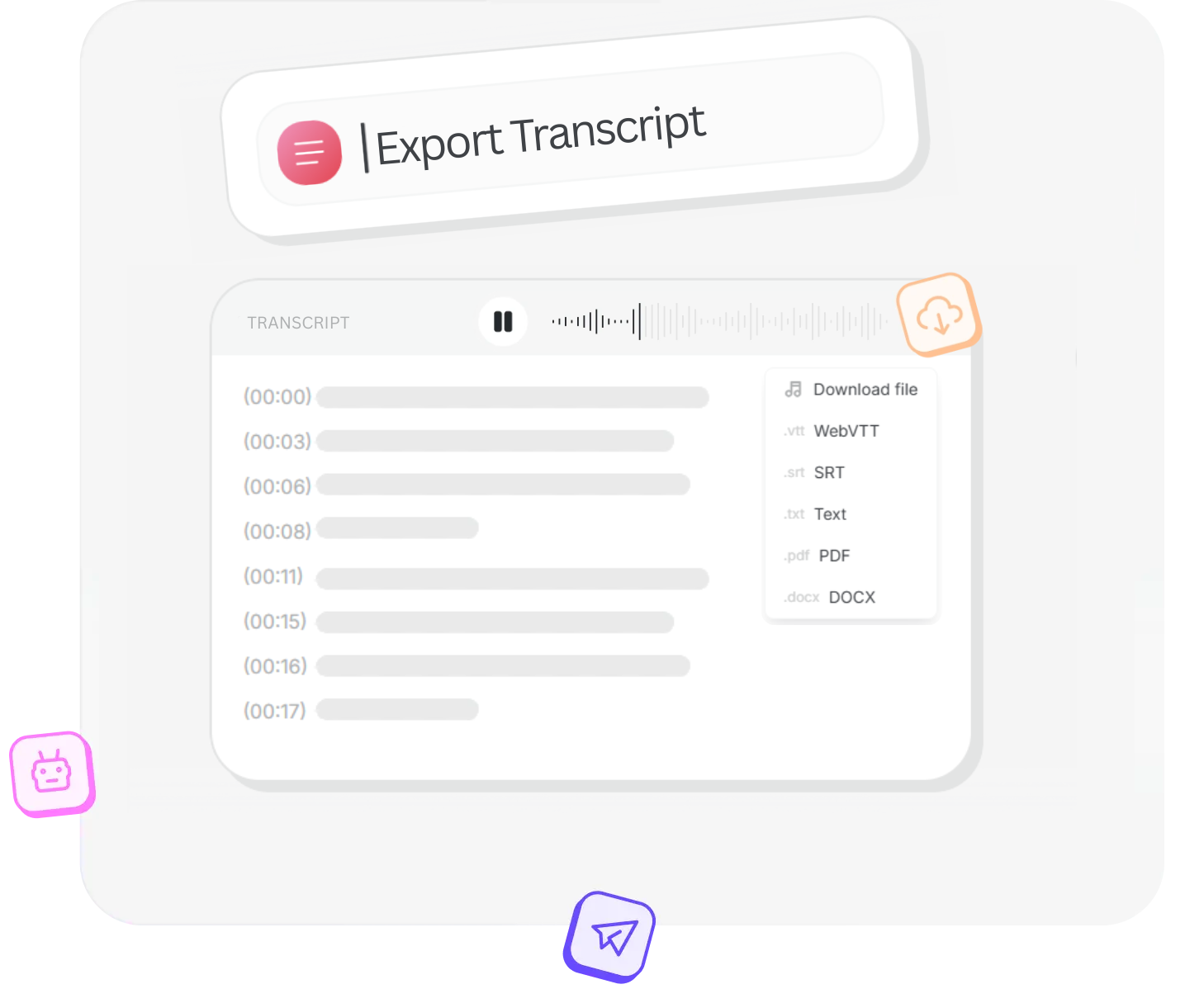
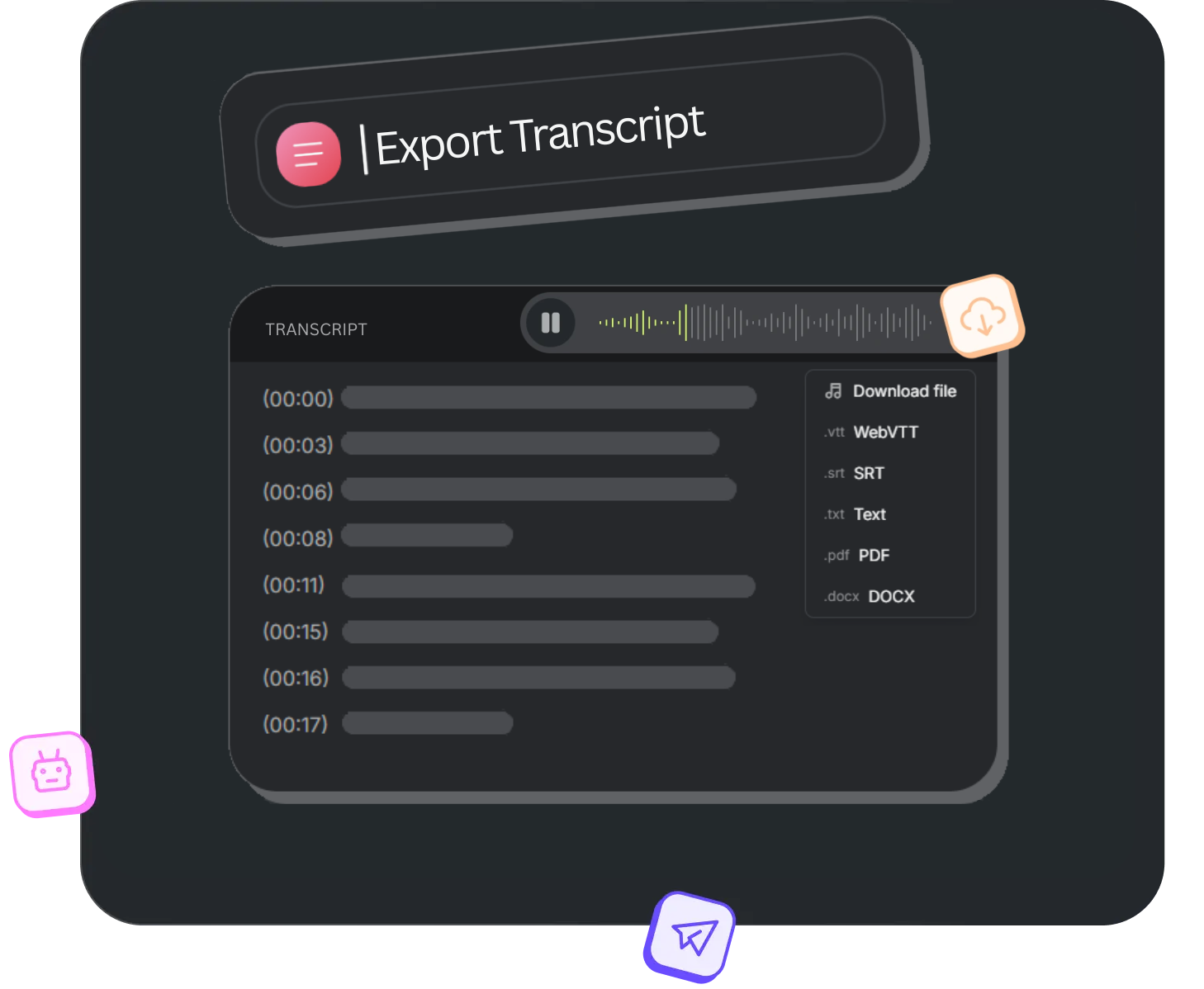
Download Your Transcripts Your Way
You can now have your FLV transcriptions in the format that works best for your workflow. NoScribe provides various export options, making your transcripts usable right away—no conversion needed.
Choose your format, download instantly in .txt, .srt, .vtt, .docx or .pdf formats, and get back to creating. All exports include timestamps and speaker labels when applicable.
How it works
Upload FLV Video
Drag and drop your FLV file to transcribe. Supports classic Flash Video files for fast and seamless transcription.
Transcribe
Our AI-powered engine accurately converts FLV To Text with optional speaker identification and language selection.
Download
Instantly download your transcript in .txt, .srt, .vtt, .docx or .pdf formats — ready for captions, notes, or sharing.
Pricing
Discover the perfect plan to suit your needs and unlock a world of possibilities.
Free
Personal or trial use
- 300 credits (≈5 hrs)
- Upload Limit - 100 MB per file
- 5 GB of encrypted cloud storage
- Transcribe in 95+ Languages
- Automatic Speaker Detection
- Multiple Export Options
- Translate Transcripts
- Basic Support
Free
Personal or trial use
- 300 credits (≈5 hrs) / Monthly
- Upload Limit - 100 MB per file
- 5 GB of encrypted cloud storage
- Transcribe in 95+ Languages
- Automatic Speaker Detection
- Multiple Export Options
- Translate Transcripts
- Basic Support
Pro
Content creators & freelancers
- Everything in Free tier
- 3000 credits (≈50 hrs)
- Upload Limit - 5 GB per file
- 500 GB of encrypted cloud storage
- Multiple File Uploads
- No Watermark on Exports
- Translate Transcripts
- Priority Support
Pro Pack
- 2500 credits (≈42 hrs)
- One-time purchase
- Lifetime Validity
Business
Teams, businesses & agencies
- Everything in Pro tier
- 6000 credits (≈100 hrs)
- Upload Limit - 10 GB per file
- 1 TB of encrypted cloud storage
- Multiple File Uploads
- No Watermark on Exports
- Translate Transcripts
- Priority Support
Pro
Content creators & freelancers
- Everything in Free tier
- 3600 credits (≈60 hrs) / Monthly
- Upload Limit - 5 GB per file
- 500 GB of encrypted cloud storage
- Multiple File Uploads
- No Watermark on Exports
- Translate Transcripts
- Priority Support
Business
Teams, businesses & agencies
- Everything in Pro tier
- 7200 credits (≈120 hrs) / Monthly
- Upload Limit - 10 GB per file
- 1 TB of encrypted cloud storage
- Multiple File Uploads
- No Watermark on Exports
- Translate Transcripts
- Priority Support
Frequently Asked Questions
Everything you need to know about converting any FLV To Text with NoScribe—from file uploads to exports and accuracy.
Need More Help?
Can't find what you're looking for? Drop us a message and our support team will assist you.
Yes! Every new user gets 300 minutes free transcription to test our service. No credit card required. Experience the quality of our AI-powered technology risk-free and see how easy it is to convert your FLV videos into accurate text.
Our free FLV To Text converter accepts all popular audio and video formats including FLV, MKV, MP4, MOV, AVI, MP3, WAV, AAC, FLAC, M4A, WebM, and more. Simply upload your video file and we'll handle the transcription automatically.
Our AI-powered engine delivers 95-99% accuracy. Even with older FLV files, our modern AI can extract and subtitle the audio with high precision.
Yes! NoScribe includes automatic speaker identification (diarization) that detects and labels different speakers in your FLV video.
NoScribe supports over 100 languages including English, Spanish, French, German, Portuguese, Mandarin, Japanese, Arabic, Hindi, and many more. Our AI can automatically detect the language or you can manually select it..
Absolutely. All files are encrypted during upload and processing. We never store your audio files or transcripts on our servers after processing is complete. Your privacy is our priority.
You can export your transcripts in .TXT (plain text), .DOC (Microsoft Word), .PDF, .SRT (subtitles), and .VTT (web captions). All formats include speaker labels and timestamps when applicable.